
UPDATE YOUR BEASCOUT.ORG PIN
Turn Your BeAScout PIN Into a Recruiting Tool.
Families searching online for Scouting often arrive at BeAScout.org. Make sure your unit's listing provides accurate information, gives families an easy way to contact your unit, and creates a clear path to submit an online application.
Topics on This Page:
RECRUITING RESOURCES
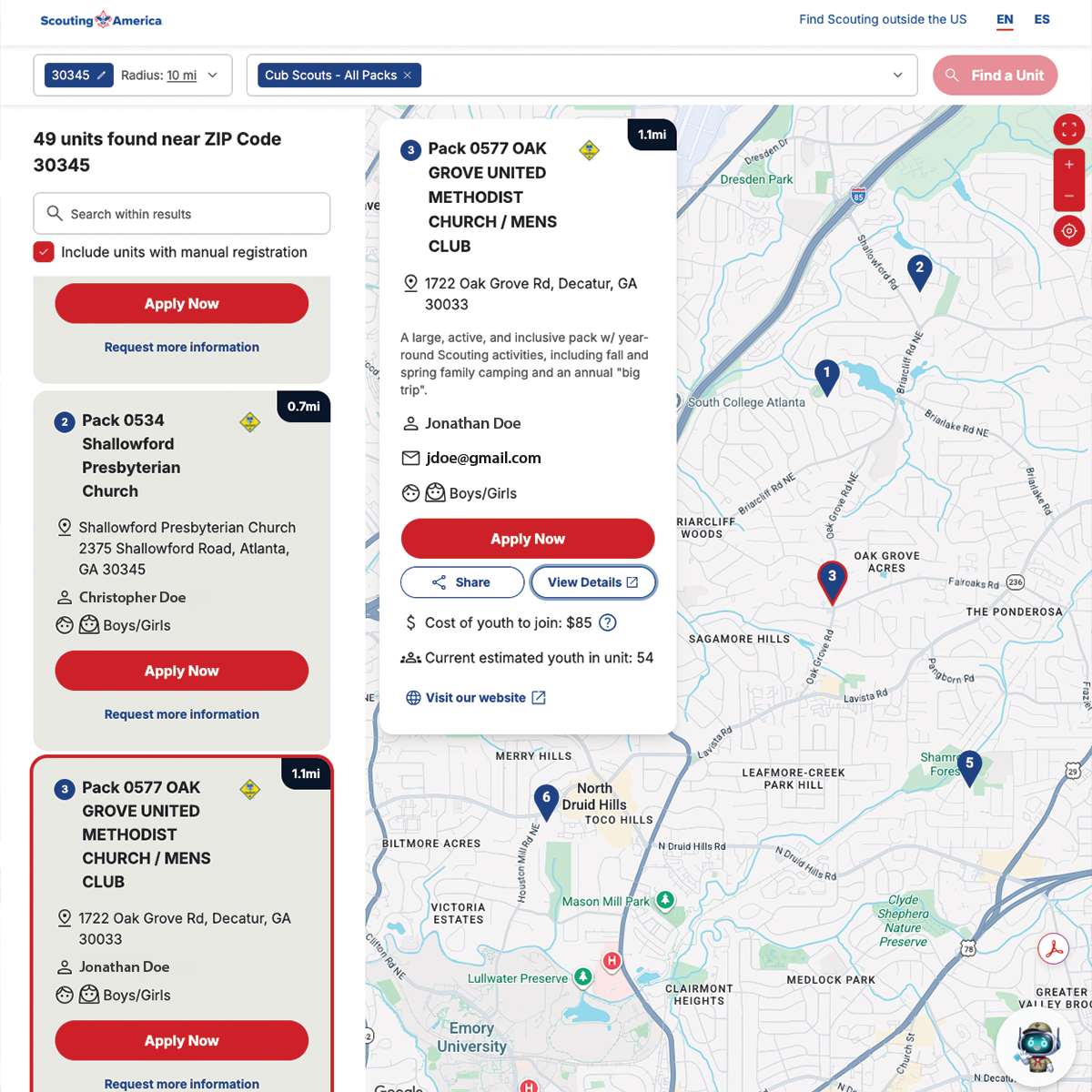
Update Your BeAScout Pin
A unit Key 3 leader or Key 3 Delegate can update BeAScout information by logging in to My.Scouting.org and opening Organization Manager.
Review your Unit Pin and confirm:
- Your unit is set to appear on BeAScout.
- Online applications are enabled if your unit accepts them.
- The contact person is an adult who will respond promptly.
- Email and phone information are current.
- The meeting location is accurate.
- Your website or other unit link is current.
Remember to save your changes.
Review Online Registration Settings
Authorized leaders should review the unit's Online Registration settings in Organization Manager. Make sure the information presented to prospective members reflects how your unit currently operates.
Review local unit fees, registration instructions, and other information families need before completing an application.
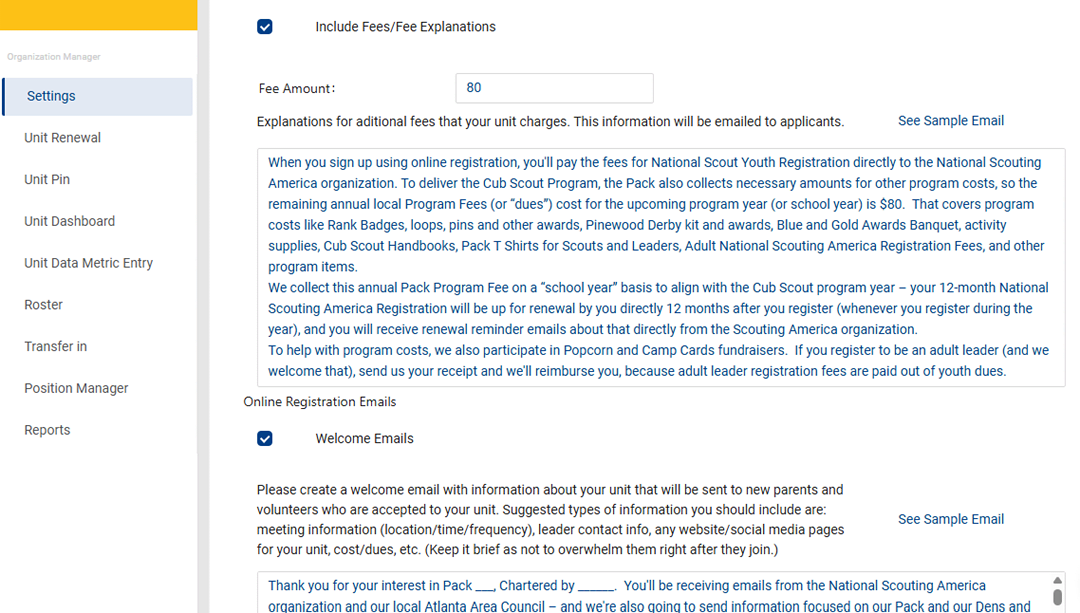
Customize Automatic Emails
Online registration can generate automatic communications to prospective and newly registered families. Customize available messages so they describe your unit rather than relying only on generic information.
Useful information may include:
- Your next activity.
- Your meeting schedule and location.
- Your pack website.
- Leader contact information.
- Local pack dues and what they cover.
- What new families should do next.
Create Invitations That Link to Online Applications
Units can use online registration links in email, social media, websites, flyers, and QR codes to make joining easier for interested families.
Use links thoughtfully and make sure families know who to contact if they have questions before submitting an application.
Manage Online Applications
Authorized unit leaders should monitor incoming applications and respond promptly. A family that submits an application should receive a welcoming response and clear instructions about what happens next.
Online tools can also support certain transfers and multiple registrations. Review current Scouting America online registration guidance when helping families with those situations.
Once your online recruiting tools are ready, continue to Step Three: Recruit Leaders & Helpers.